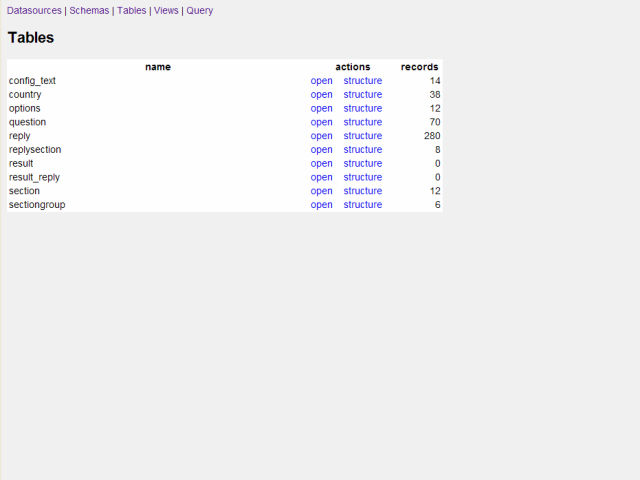
View the tables of a schema:
After selecting the database schema, you see a list of all tables in the database.
You can also switch to all views in the database with a single click.
Browse table or view data page by page:
After clicking on a table, you can view all the records and browse them page by page.
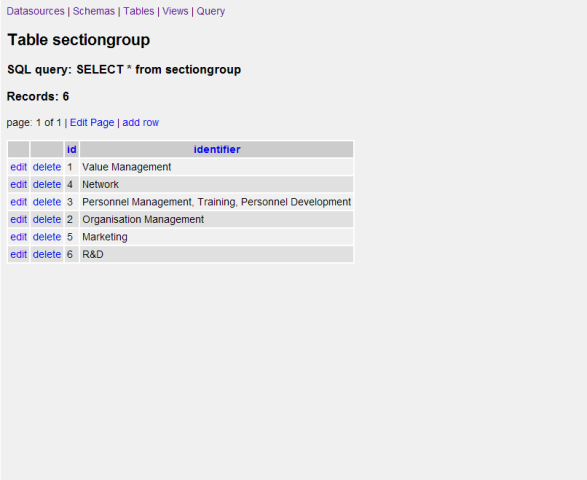
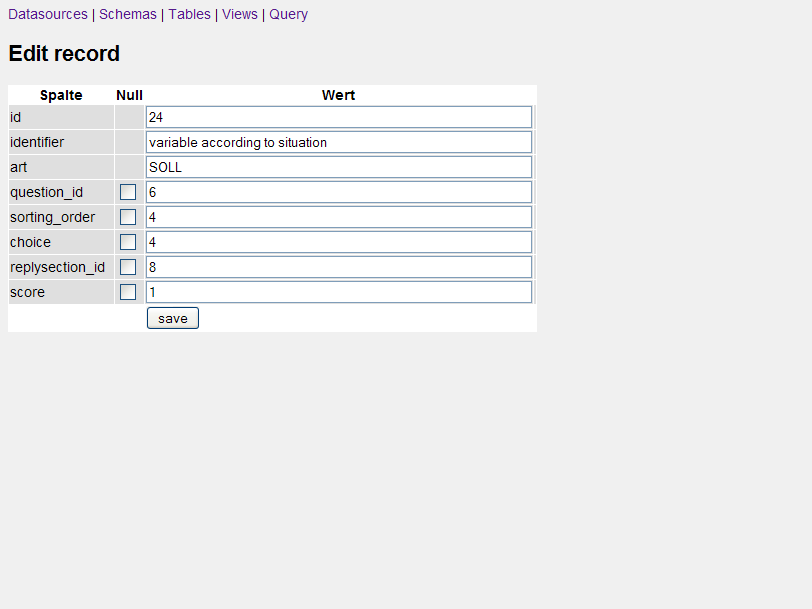
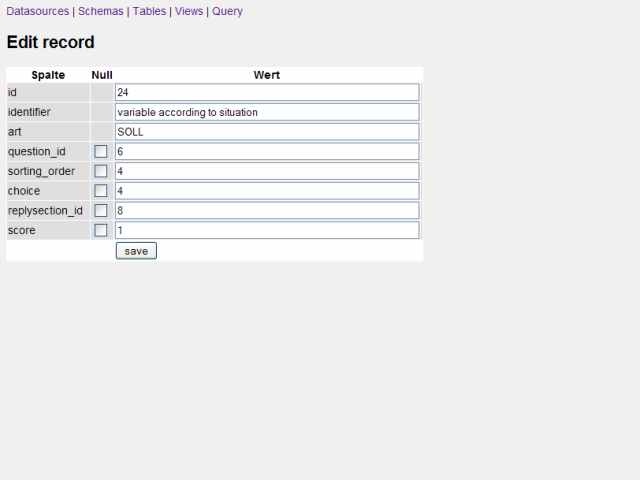
Edit database records using a single click:
You can edit a single record using the edit-link at the left.
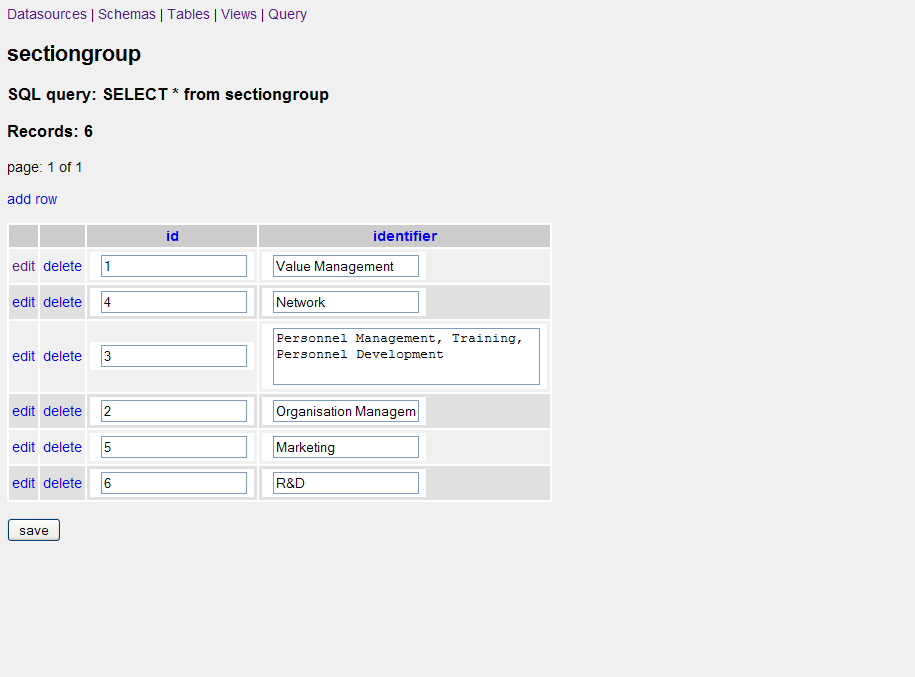
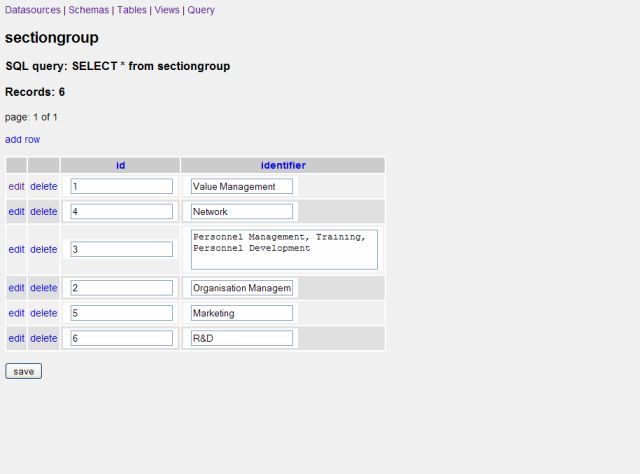
Edit all records on a page using a single click:
Additionally, you can edit all the records of a page at once:
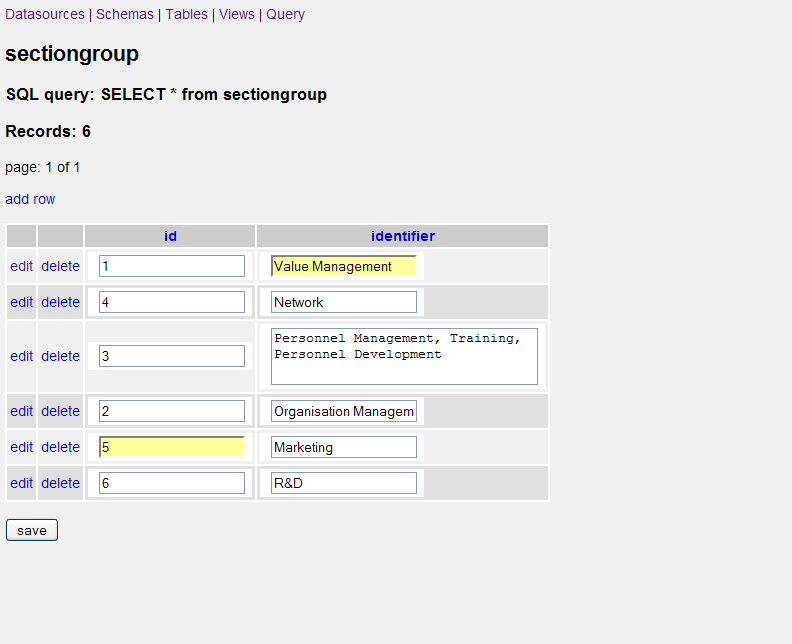
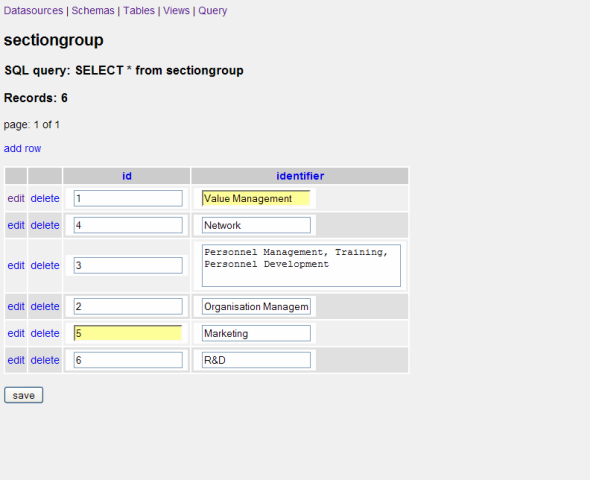
Rembember the changed fields:
As soon as you change a field value, it gets marked with a yellow background.
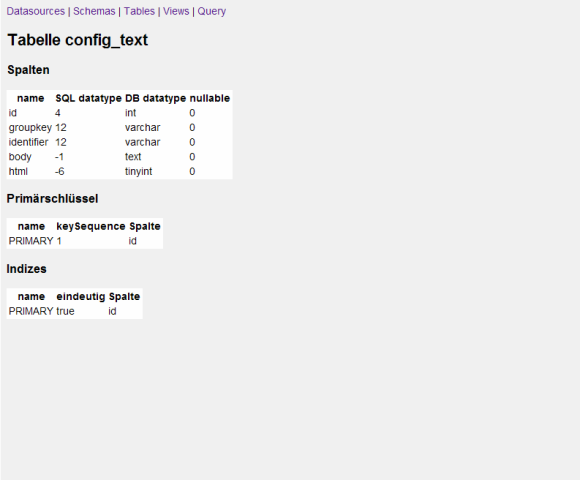
View the table or view structure:
You can also view the structural information of the table (including column names, datatypes and nullable).
Here you can also view the primary key and the indizes available on the table.
|